Visual learning
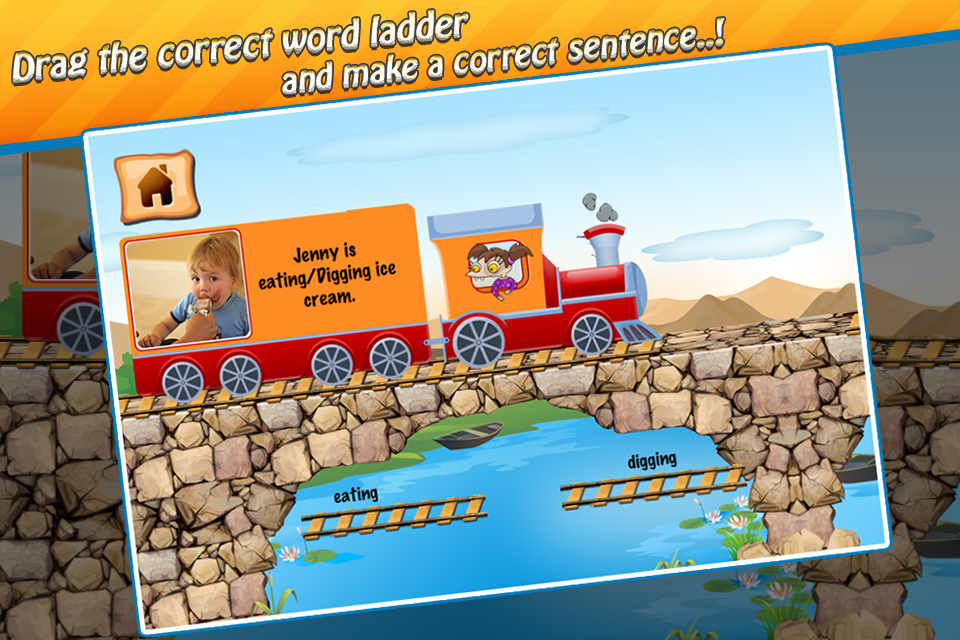
Pictures and illustrated scenes help learners connect words with meaning.
Sentence Maker helps learners practice sentence construction through guided levels, illustrated prompts, audio cues, and simple interactive activities.
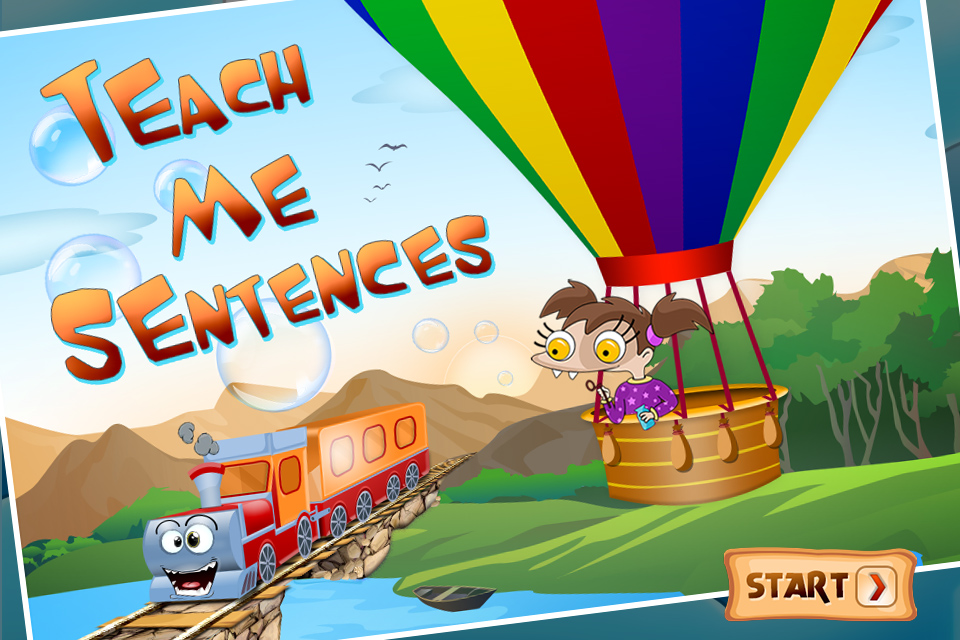
The app keeps the experience direct: learners see a prompt, interact with the activity, hear supporting sounds, and move through sentence exercises at their own pace.
Pictures and illustrated scenes help learners connect words with meaning.
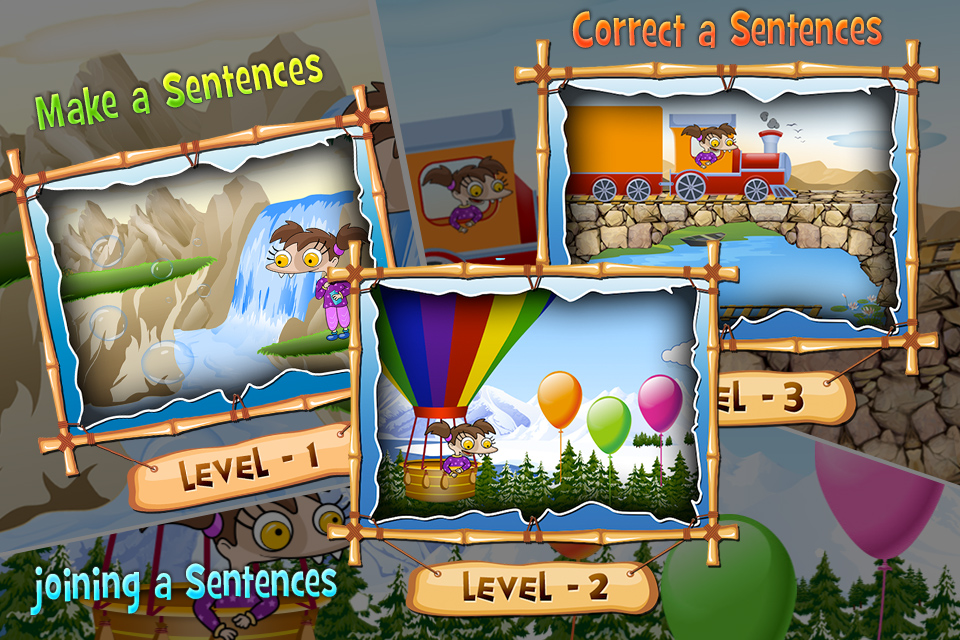
Sentence activities are organized into levels for steady practice.
Audio feedback and effects make practice clearer and more engaging.
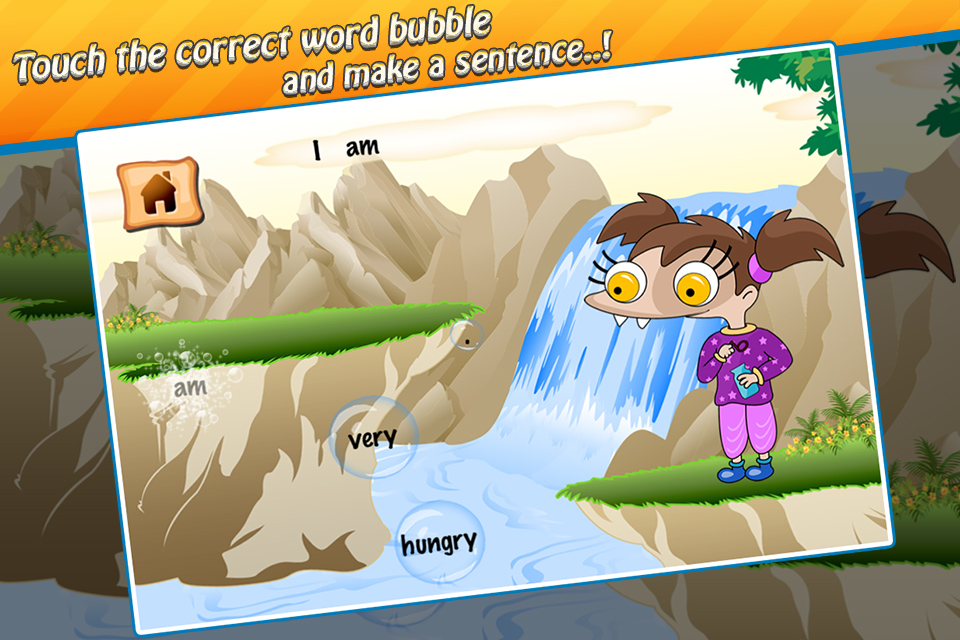
Create and complete sentences using visual prompts and interactive selections.
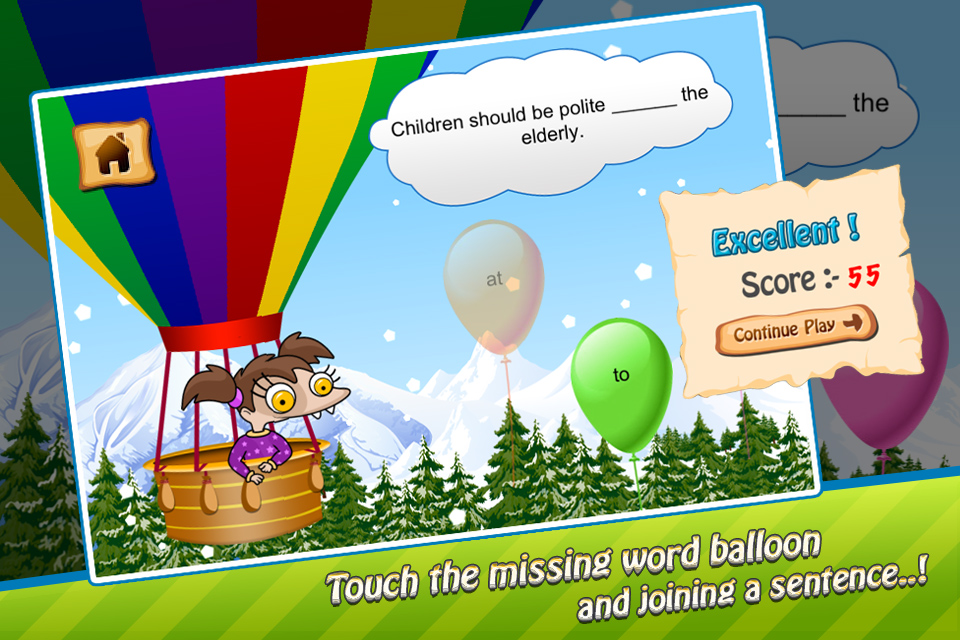
Work through activities that help connect sentence parts in the right order.
Practice recognizing and correcting sentence structures through guided play.
Keep sound preferences and simple activity progress on the device.

These screenshots come from the Sentence Maker app project and show the learning interface, levels, and activity screens.
Sentence Maker is built as a straightforward educational app with local learning content, simple progress, sound controls, and support by email.